


Streaming has changed how people watch television, and YouTube TV stands out as one of the most powerful cable-replacement services today. It brings more than 100 live channels, local stations, news, sports, movies, and entertainment directly to your screen. Yet, the biggest question most people still ask is simple: how much does YouTube TV cost?
In this detailed guide, you will learn everything about YouTube TV costs, including the Base Plan, add-ons, promotional prices, annual expenses, and whether the service is worth your money. You will also see how the cost of the YouTube TV subscription changes when you add extra channels. Moreover, you will find answers to key questions, such as password sharing, offline viewing, and DVR perks.
Understanding the Real Cost of YouTube TV Today
Many users want a single place to watch live TV without depending on expensive cable connections. This is where YouTube TV becomes an all-in-one solution. Still, the biggest concern everywhere remains the same: how much does youtube tv cost per month?
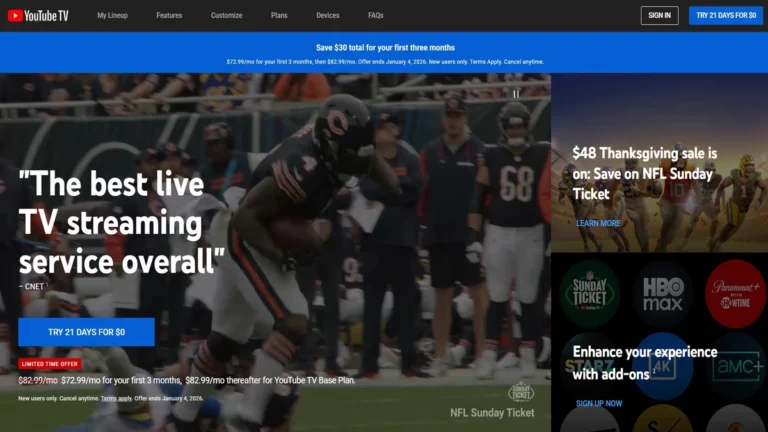
To begin with, YouTube TV costs $82.99 per month for its Base Plan. This is the standard price. However, new customers often receive a special rate of $72.99 per month for the first 3 months, making the service even more attractive. You save money right at the start. This Base Plan includes over 100 live TV channels, such as:
- News networks
- Entertainment channels
- Local stations
- Sports channels
- National broadcasts
Although the price may look higher than typical streaming services, remember that YouTube TV is not just an add-on. Instead, it is a full cable-replacement option with local and national coverage.
Why the Cost Feels Different From Other Platforms
Many users compare YouTube TV with platforms like Netflix or Prime Video. Yet, these services do not offer live TV. They only offer on-demand content. Therefore, the cost of youtube tv covers far more features, such as DVR, live matches, and real-time broadcasts.
Moreover, depending on your location, your monthly bill may include extra charges like communication taxes or regional fees. The platform calculates these automatically based on your ZIP code.
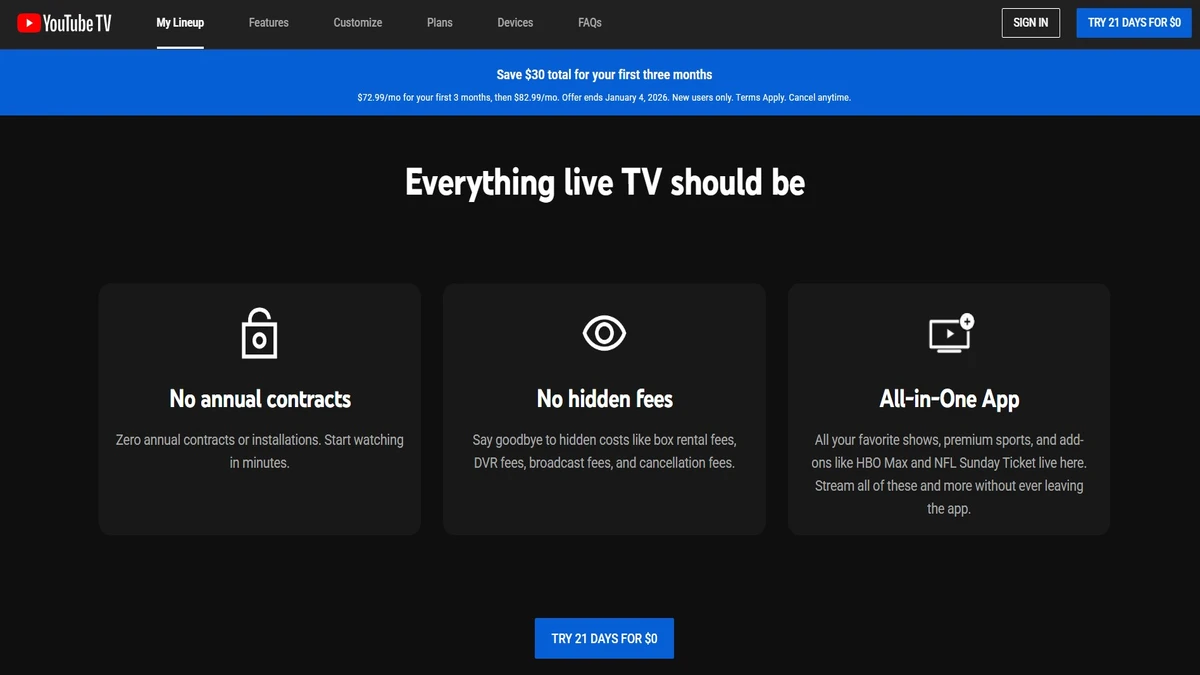
Even so, the price remains clear, and there are no hidden fees or long-term contracts, which makes managing your budget easier.
Monthly Pricing with Add-Ons: How Customization Changes the Bill
 As you move deeper into the YouTube TV experience, you quickly notice how flexible the service is. The youtube tv subscription cost changes depending on the extras you choose. Many users love this because they only pay for the channels they want.
Therefore, let’s look at the most popular add-ons and how they affect the price.
Add-Ons That Increase youtube tv cost per month
You can select add-ons anytime, and each of them adds a specific amount to your monthly bill. Here are the main choices:
- 4K Plus: $9.99 a month
- Sports Plus with NFL RedZone: $10.99 a month
- Premium channels (start at $1.99 a month)
Additionally, you can get bundles such as:
- Entertainment Plus: $29.99 a month. Includes Paramount+ with Showtime, Starz, and HBO Max.
NFL Sunday Ticket Pricing
Football fans who want out-of-market games can add NFL Sunday Ticket. Pricing depends on your subscriber status:
- Returning users:
- $204 one-time payment, or
- 4 monthly payments of $51
- New subscribers:
- $150 one-time payment, or
- 4 monthly payments of $37.50
These sports add-ons significantly change the YouTube TV cost per month, especially during the football season. Still, they offer unmatched access to live games.
Also read:
- All You Should Know About the oneplus pad 3 Before Purchasing
- Gaming MousePad from Custom XL that will Ace Your Game
- The Invisible Ink: Unmasking the World of undetectable ai
- Elevate Your Business with soul ai and RLHF Innovation
- Enjoy youtube tv free trial for 30 Days or 3 Months – Here’s How
YouTube TV Annual Cost, Family Sharing & Offline Viewing Rules
 Although most streaming services push users toward annual subscriptions, YouTube TV takes a different approach.
No Annual Plan, Only Monthly Billing
There is currently no yearly plan available. Therefore, you pay only month-to-month. If you keep the Base Plan all year, your total comes to:
$82.99 × 12 = $995.88
This sounds expensive at first. However, compare it to traditional cable bills, which often run $120 to $200 a month, plus installation fees. When viewed this way, YouTube TV becomes a cheaper alternative.
Furthermore, users appreciate the fact that there are no contracts, penalties, cancellation fees and forced long-term commitments.
You can also pause your membership for up to six months. During that time, your DVR recordings stay safe.
Password Sharing Rules
Many people ask whether YouTube TV allows sharing with family members. The answer is yes, but with conditions.
YouTube TV provides:
- 6 household accounts
- Streaming on three devices at the same time
However, users must:
- Be above the age of 13
- Live in the same household
- Not be part of another family group
You can easily invite members to join your family group. Each user gets their own login and their own personal DVR library.
Because the service uses your home ZIP code, you need to “check in” from your home area every 3 months if you travel frequently. Otherwise, you may temporarily lose access to local channels.
Offline Viewing
The Base Plan does not allow offline downloads. Yet, when you add 4K Plus, you unlock:
- Unlimited simultaneous streams
- Downloads for offline viewing
- Ultra-high-definition playback
Some premium channels also allow downloads within their individual apps. However, offline viewing inside YouTube TV itself is available only with the 4K Plus add-on.
Is YouTube TV Worth the Price You Pay?
After understanding the full breakdown of YouTube TV’s costs, the next big question is whether the price is justified. The answer depends on your lifestyle, your budget, and your entertainment needs.
When YouTube TV Is a Good Deal
YouTube TV is worth it when:
- You want to replace cable TV
- prefer live sports
- need local channels
- want unlimited DVR
- need a flexible, no-contract service
The service also works well if your household has multiple people watching on different screens. Each member gets a personalized experience.
When It May Not Fit Your Budget
Streaming falls under the “wants” category in most budgets. According to the 50/30/20 rule:
- 50% = Needs
- 30% = Wants
- 20% = Savings or debt repayment
If your entertainment expenses already take up too much space, the price might feel heavy. Yet, you can make adjustments. For example:
- Cancel unused streaming apps
- Switch to a promo plan
- Share within your household
- Remove add-ons you do not watch
YouTube TV lets you adjust anytime, helping you maintain control over your expenses.
Conclusion: Should You Subscribe to YouTube TV?
By now, you clearly know how much does YouTube TV cost, how the add-ons change the price, and what you actually receive with your subscription. The YouTube TV subscription cost depends entirely on your choices. The Base Plan is simple, the customization options are wide, and the flexibility is one of the strongest reasons people switch from cable.
Although spending $82.99 per month sounds high compared to regular streaming services, you must remember that YouTube TV replaces your entire cable setup. Moreover, it reduces long-term hassles such as installation, contracts, and hardware rentals.
If you value live channels, sports, local news, flexibility, and unlimited DVR, then YouTube TV is a smart choice. If your budget allows it and you prefer convenience over complexity, it will likely meet your needs.
In the end, YouTube TV offers an excellent blend of simplicity, customization, and quality, especially for households looking to enjoy live TV without the burden of cable bills.
To Get More Updates, Click Here














